How Bridge Runner supports maths practice
Bridge Runner turns an open number line into a literal moonlit skybridge. Learners split addition or subtraction at the next ten, hundred or thousand, cross two illustrated spans and send a Samurai Sums ninja safely to the exact destination.
How to play
- Choose a range, operation, bridge landmark, round length, support mode and either Skyline Course or Bridge Collapse. Selecting hundreds or thousands automatically opens a compatible number range.
- Work out the destination by jumping to the glowing landmark tower first, then travelling the remaining distance in the same direction.
- Enter the complete destination with the full keypad. A correct answer lights each span in sequence and the branded ninja crosses the bridge; stopping at the landmark leaves the ninja safely at the start and shows the missing second jump.
- In Adaptive support, both jump values fade to the first value only, then to a tap-to-reveal landmark hint, and finally to mental mode as independent evidence becomes secure.
- In Bridge Collapse, the bridge loses stability continuously. Correct answers repair it, errors weaken it and a collapse ends the run early. Keep any stability until time runs out to blow the storm clear and save the bridge; Breeze, Gale and Tempest set progressively stronger pressure.
- Use the finish dashboard to compare accuracy, average pace, independent evidence, Skyline Gates reached, tower-only answers, fastest and slowest bridge families, strengths and the best next mission.
Skills practised
- Addition and subtraction across tens, hundreds and thousands
- Partitioning a change into landmark and remainder jumps
- Open number-line reasoning
- Accurate and fluent mental calculation
Teacher notes
- Start within 20 or 50 so pupils can explain both jumps before increasing to hundred landmarks within 1,000 and thousand landmarks within 10,000.
- Ask pupils to name the landmark, first jump and remaining jump aloud before giving the destination; the bridge structure makes the double meaning explicit.
- Fade as I improve is the default and removes only one support layer at a time. Use Always show for teacher modelling; supported success remains separate from independent fluency.
- For whole-class projection, use the large-screen layout: the equation, destination, jump values, status and keypad are intentionally oversized so pupils at the back can read the mathematical state.
- Skyline Course is the calmer default. Use Breeze when introducing Bridge Collapse, Gale for established practice and Tempest only when the strategy is already secure enough for substantial time pressure.

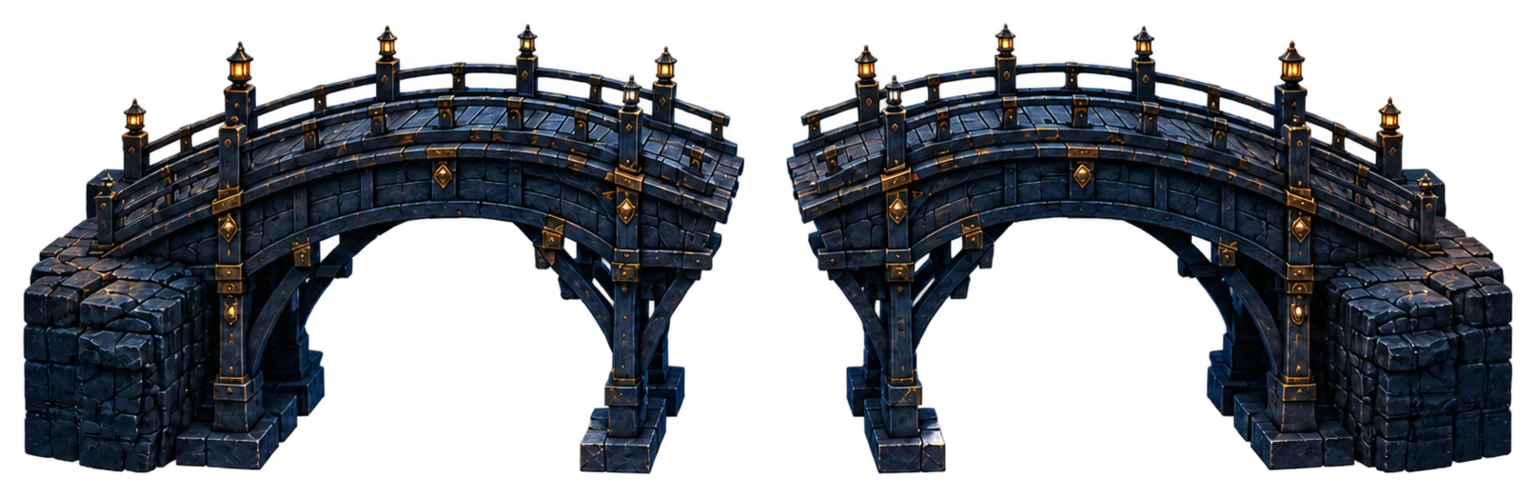



 THE NUMBER LINE IS THE BRIDGE